Most days, we’re juggling several things at once. We come out of a conversation knowing what we’ve agreed, then a message needs an answer, something else comes up, and our attention moves on. Writing things down helps, but finding the time to make useful notes is another task to fit in. And if we take notes while we’re talking, we’re trying to listen, think and write at the same time.
It happens outside work, too. Plans we’ve talked through, advice someone gave us, something we wanted to come back to. We mean to remember, but there’s a lot competing for our attention. Then, a few days later, we’re halfway through a follow-up email, trying to recall a detail that seemed perfectly clear in the room.
“I wish I could hear that part again.”
So when we started seeing more and more ads for AI recording cards, we decided to try one.
A card we wanted to use every day
We liked it.
We could put the card on the table and give the person across from us our attention. If a client said something worth following up on, we could ask about it while they were still there. The notes could wait.
We could see ourselves using it most days, so we worked out what a year of regular use would cost. For our meetings and interviews, the subscription was more than we wanted to spend.
Using it that often would also mean recording conversations we’d normally keep between the people in the room. A meeting about delivery dates might turn into a discussion about how far a client’s budget could stretch. To get the notes, we’d have to send the whole recording to an outside service, including details the client had shared in confidence. We found ourselves wondering what would happen if that recording ever got out. A friend of ours had been worrying about the same thing with recordings from work.
Meanwhile, we were seeing more reports of data leaks involving AI tools. Those reports made us more uneasy about uploading our conversations. Even with a service we trusted completely, though, we’d still want to decide for ourselves what to share and what to keep private.
So we began wondering whether we could get the same useful notes on our own computer or other devices and keep the recordings there.
Our first attempt at local AI
We started looking for a way to get notes without uploading the audio. We found a desktop app that could transcribe and summarize a recording on our own laptop for a small fee, about $120 per license per year. That sounded like what we’d been looking for.
We use AI tools every day, so we figured we could handle the setup. First we had to pick a model. We couldn’t tell which one would run well on our laptop, so we made our best guess and started the download. We had plenty of time to wonder whether we’d picked the right one. When it finally finished, we found out we hadn’t. Our laptop couldn’t run it.
Once we got the app running, it did what we’d hoped. It turned the recording into a summary and a list of follow-up tasks, all on our own computer. Still, we use AI tools every day, and even we’d needed two tries to get through the setup. That seemed like a lot to ask of someone who just wanted notes from a meeting.
Then there was the question of where the meeting took place. At our desks, we could record straight into the app. When we went out to see a client, we still took the card. Every time we got back, we had to export the recording from the card’s app and import it into the desktop app before it could start on the notes.
We’d found a way to keep our recordings private, but we still wanted the ease that had made us like the card in the first place.
What we wanted to change
That was what got us working on EverVoice and ZoneVoice. We wanted to bring the ease of the card to the whole experience, from recording a conversation to getting useful notes on our own computer. Helping someone get started and making those steps fit together felt like our responsibility as the people building it.
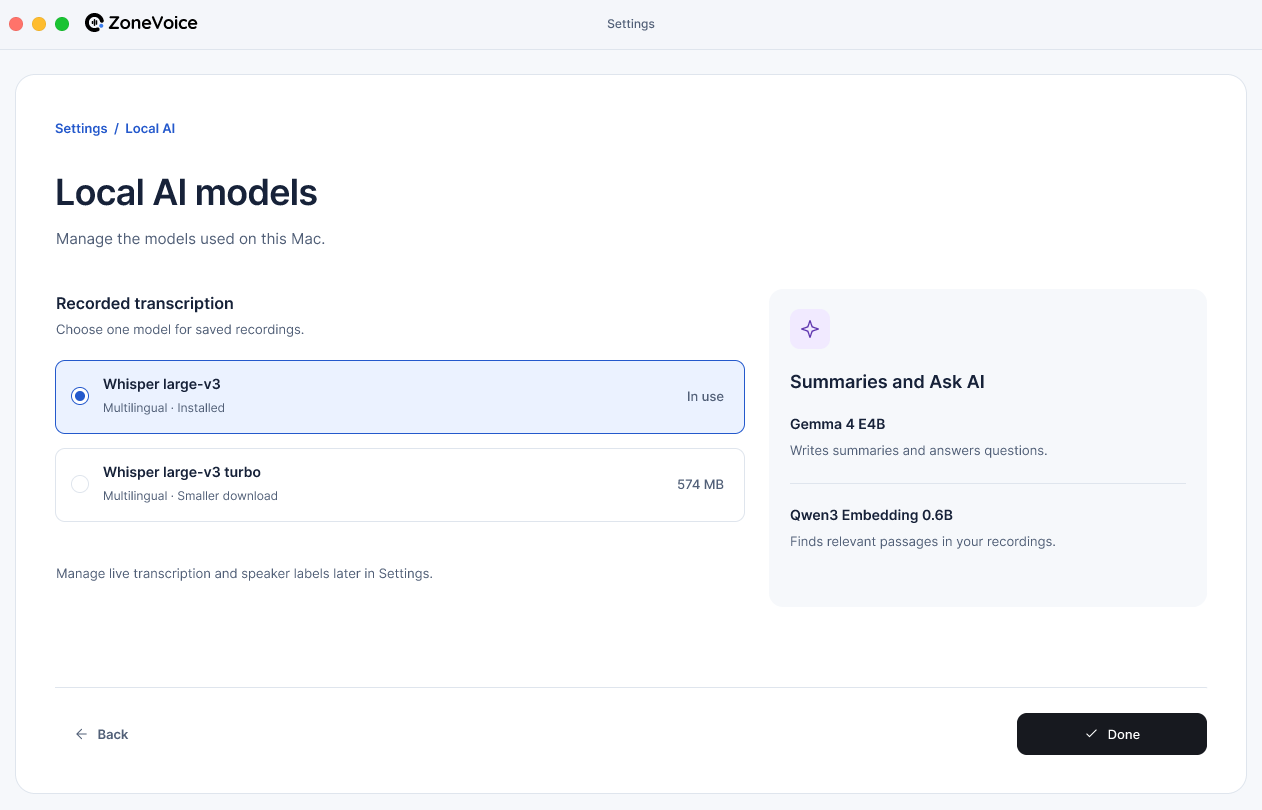
For the first version, we started with the experience of opening the app. We wanted someone to know what to do next without having to understand how local AI works. We remembered our own wait for the wrong model. The app should help someone choose one their computer can run, and let them look around while it downloads in the background.
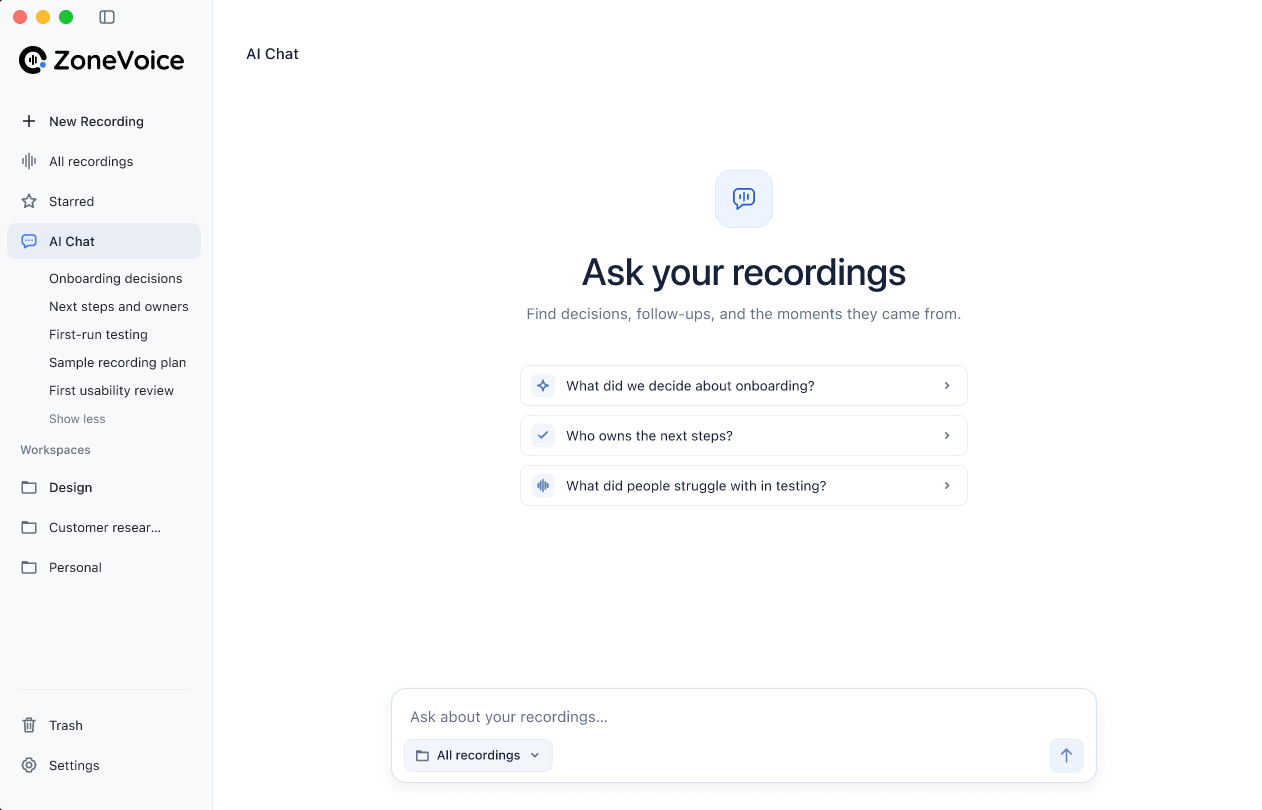
We also thought about how we’d use the notes afterward. A client meeting and a long interview might need quite different summaries. We wanted templates that gave each kind of conversation a useful structure, with clear headings and lists that made the notes easier to work with. And when a question came up a week later, we wanted to be able to ask the AI about the conversation. “Why did we settle on that date?” is the sort of thing we’d want to come back to, even after reading the summary.
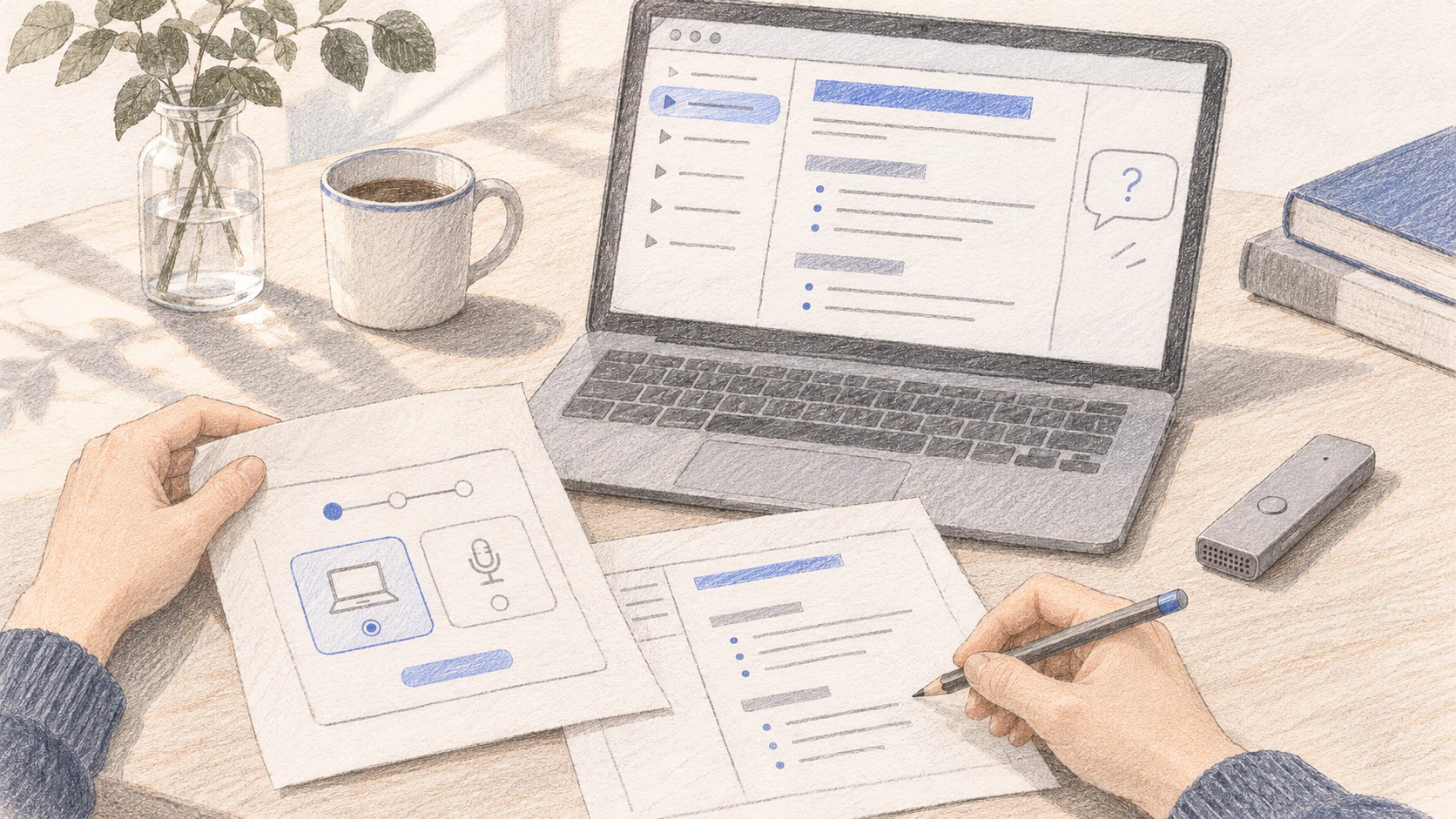
Making all of this easy to use mattered to us. If uploading a recording takes one click and keeping it private takes an afternoon, the software has more or less made the choice for you. Keeping our conversations on our own computer needed to be something we could comfortably do every day.
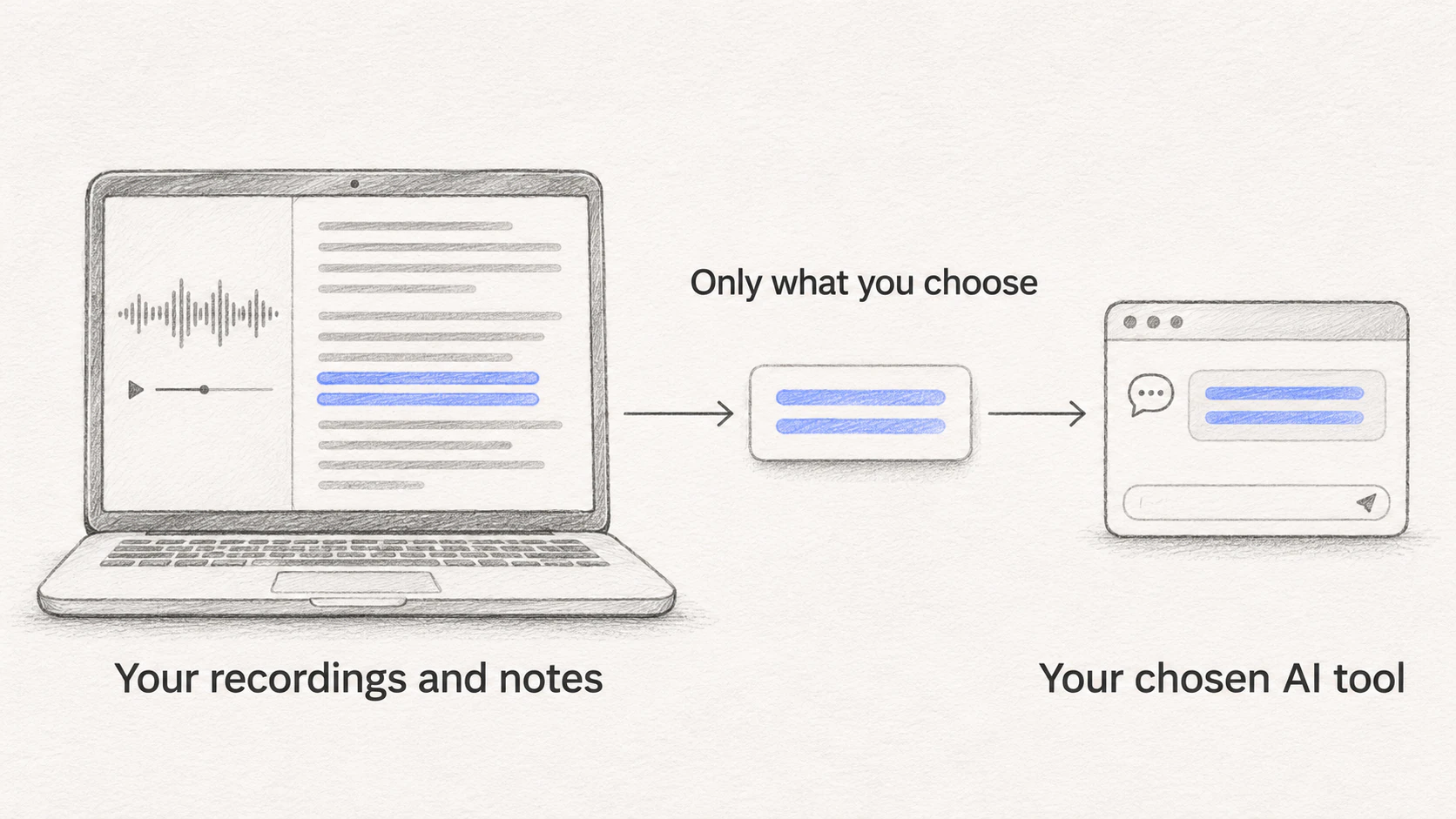
And keeping a recording private shouldn’t stop us from deciding to share part of it. We might want our usual AI assistant to help write a follow-up email. We could give it the two lines about the delivery date and keep the rest of the conversation, including what the client told us about their budget, on our own computer. A year from now, we might prefer a different tool. We’d want to take our recordings and notes with us then, too.
That’s what digital sovereignty means to us. You decide where your recordings live, how they’re used, and what you share. They remain yours when you change tools or stop using a service. We want that freedom with our own conversations. Anyone who uses what we build should have it with theirs.