ZoneVoice and Otter both use AI to help users capture, understand, and make use of conversations, but they take different approaches. ZoneVoice combines local AI processing with recording and knowledge management, while Otter focuses more on cloud-based meeting documentation, team collaboration, and business workflow integrations.
Which Tool Is Right for You?
Choose ZoneVoice if...
Your recordings contain confidential business information, sensitive client data, or private conversations you want to keep on your computer. With local AI models installed, you can record, transcribe, and summarize those conversations offline.
Choose Otter if...
Most of your conversations take place in online meetings, and your team wants shared notes, CRM-connected sales workflows, or tools for recording interviews and lectures.
How Does ZoneVoice Give You More Control Over Recording Workflows?
Local AI Processing
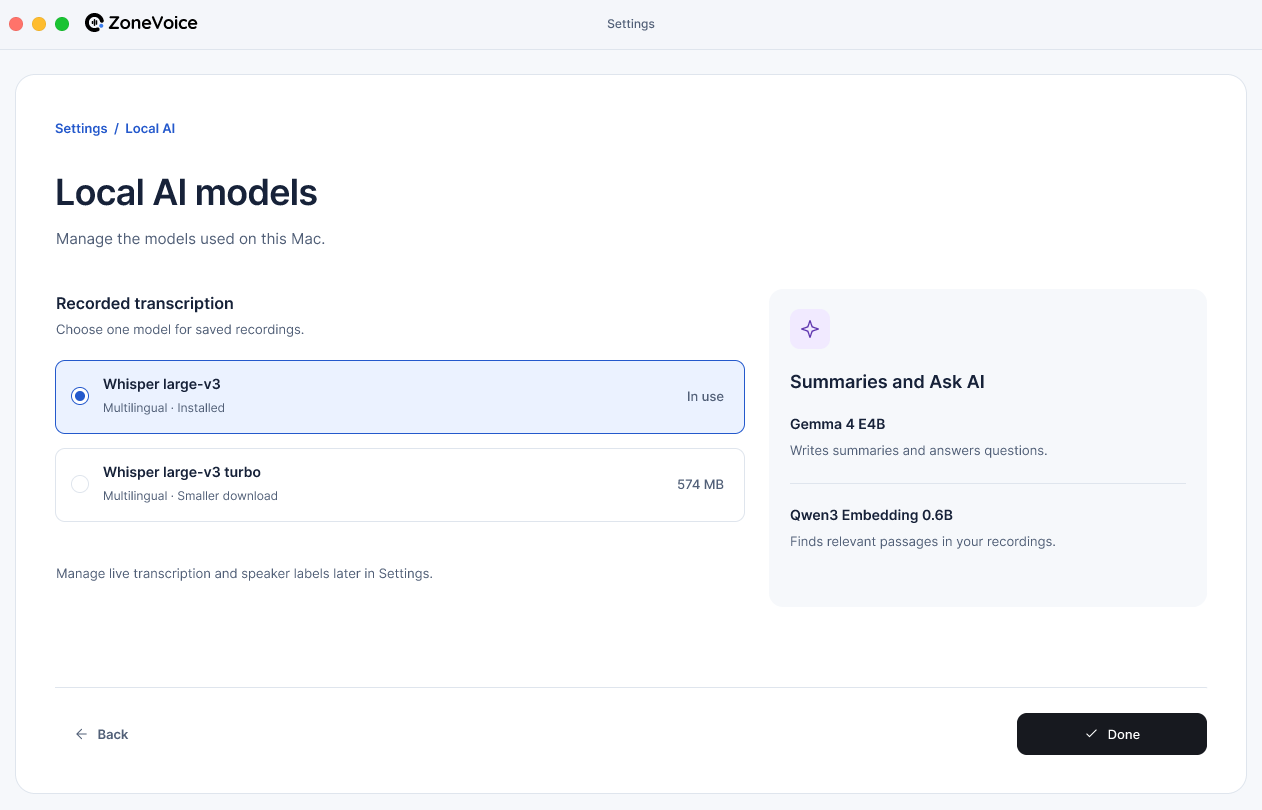
- ZoneVoice uses local AI models to transcribe recordings, generate summaries, and answer questions directly on your computer. You can process sensitive conversations without uploading the recordings.
- Otter uses its cloud service to transcribe recordings and generate meeting notes.
Offline Processing
- ZoneVoice can transcribe and summarize recordings without an internet connection once you download the required models. You can keep working while traveling or in a network-restricted environment.
- Otter can keep recording if your connection drops. Live transcription pauses. If you finish the recording offline, the audio uploads for processing when the connection returns.
Flexible Model Selection
- ZoneVoice lets you download and switch between local models for transcription and summaries. Choose a model to suit the task and your computer’s capabilities.
- Otter manages the models that produce transcripts and summaries. You can select the transcription language and leave model setup to the service.
Beyond Local AI: More Ways to Capture and Use Conversations
Can I capture conversations wherever they happen?
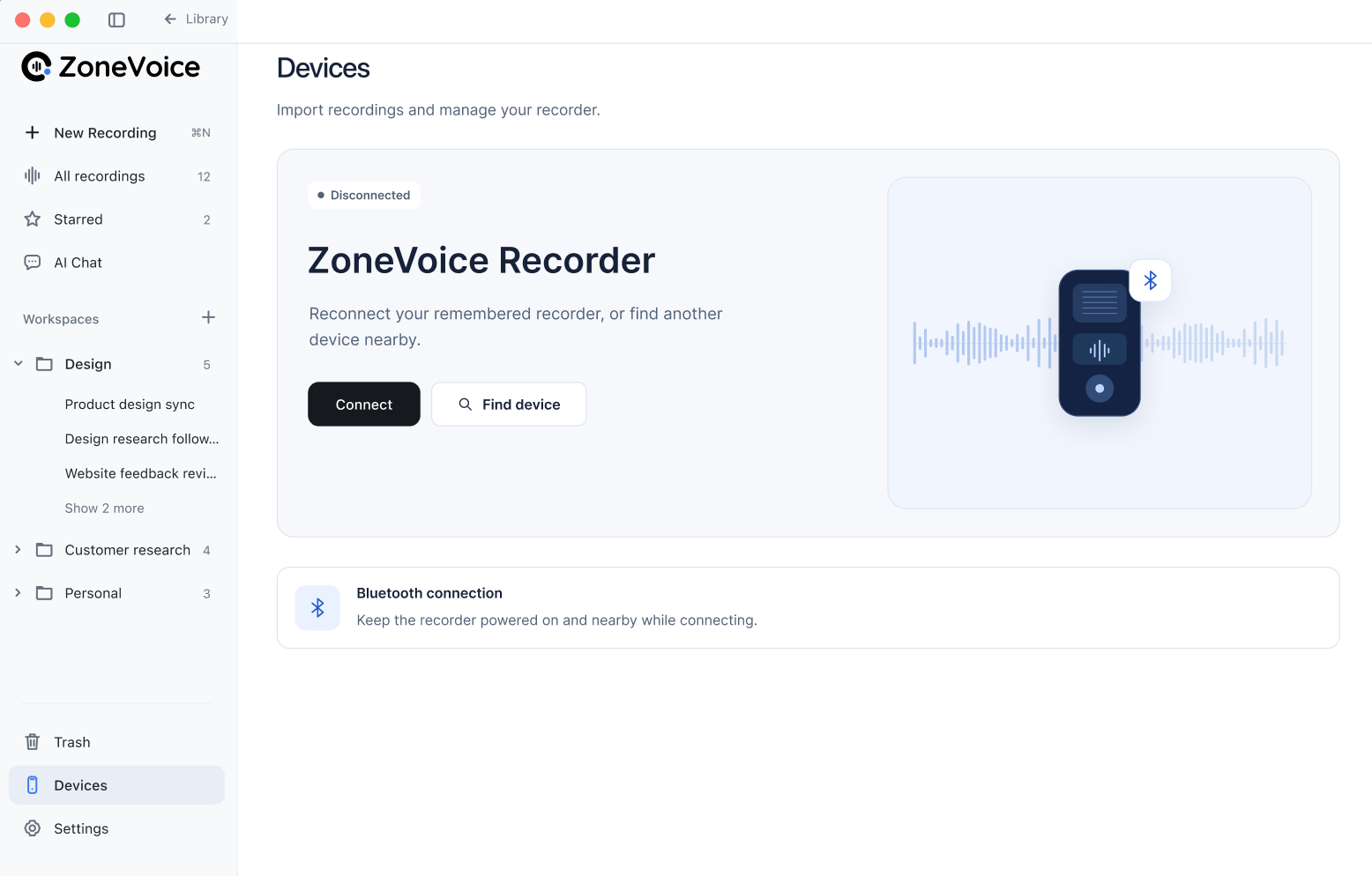
ZoneVoice — Record on your Mac today, or import a recording from an interview or an in-person meeting. EverVoice, the upcoming dedicated recorder, is designed to capture these conversations without opening a phone app.
Otter — Record on your phone, in the desktop app, or in a web browser. You can also import audio from a separate recorder. Answering a call or opening another app that uses the microphone can interrupt a mobile recording.
How can I make my recordings easier to understand?
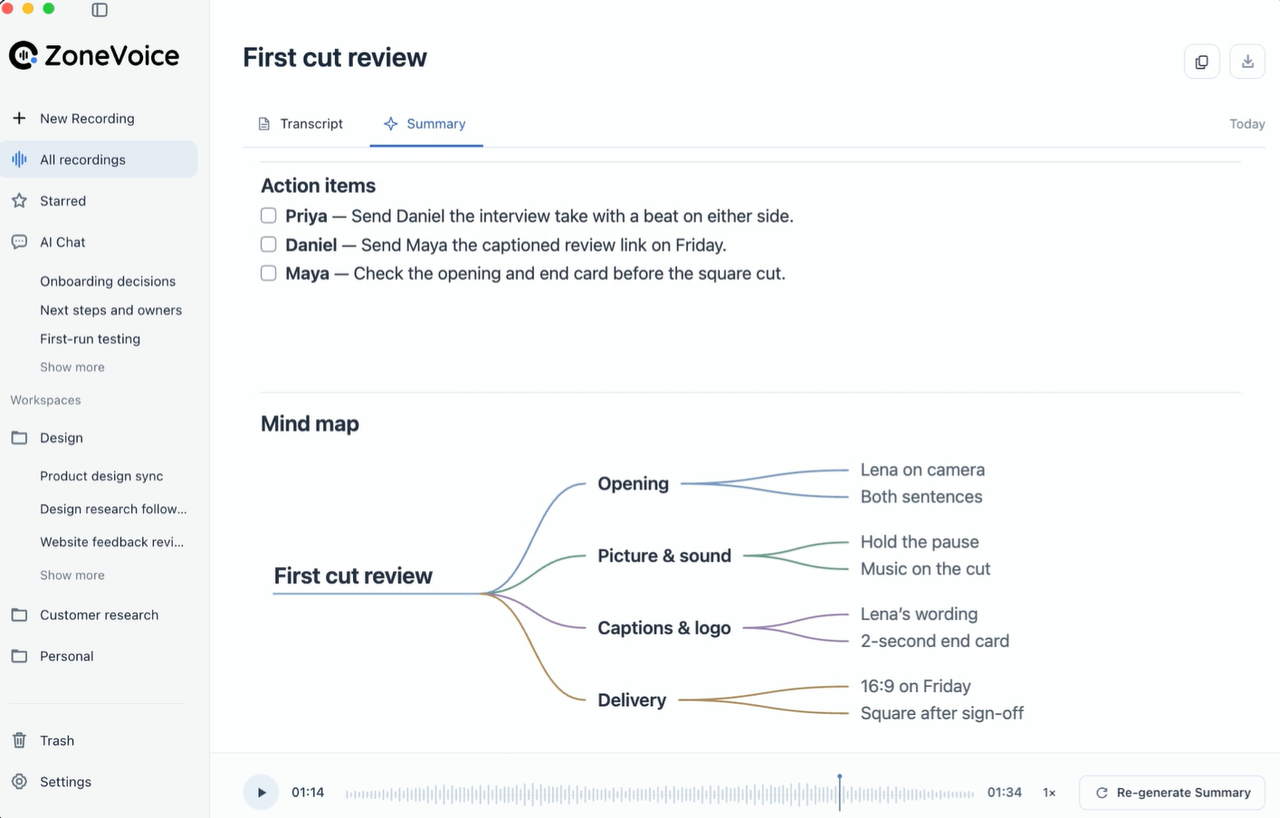
ZoneVoice — Organizes summaries, key takeaways, decisions, and action items in rich-text notes. Generate a mind map to see how topics connect and navigate a complex conversation.
Otter — Generates structured meeting summaries, outlines, and action items. Custom meeting templates on supported plans help teams organize discussions in a consistent format.
How the features stack up
| Feature | ZoneVoice | Otter |
|---|---|---|
| Dedicated Recording Hardware | The upcoming EverVoice recorder is designed for in-person meetings, interviews, and everyday conversations. You can already record on your Mac and import existing recordings. | Records through mobile, desktop, and web apps. You can also import files captured on a separate device. |
| File Import | Batch-import audio and video files in multiple formats for transcription, summarization, and management. In the current Mac beta, file imports are not metered by plan. | Import audio and video files, including multiple files from a computer. The free Basic plan includes three file imports per user over the lifetime of the account. |
| Transcription | Use local models to follow an English transcript as you record. Review, replay, and edit the timestamped transcript on your Mac. The models can run offline after setup. | Produces live transcripts through its cloud service. Audio recording can continue offline, and live transcription resumes when the connection returns. |
| Summaries | Generate summaries, key takeaways, outlines, and action items with local AI models. | Generates meeting summaries and action items after the recording is processed in the cloud. |
| Model Selection | Download and switch between supported local AI models for transcription and summaries, balancing processing speed and accuracy for different tasks. | Otter manages the transcription and summary models. You choose the transcription language in the app. |
| Content Presentation | Organizes summaries, key points, and action items in rich-text notes. Mind maps show the structure of the discussion and the relationships between topics. | Provides structured meeting summaries and outlines so you can review the discussion and its action items. |
| Data Storage | In local mode, original recordings, transcripts, and summaries stay in your workspace on your computer. You can replay, organize, and export them there. | Stores and manages recordings, transcripts, and generated notes in your Otter cloud account. |
| Export Formats | Export notes, transcripts, and structured data in formats including Markdown, TXT, SRT, and JSON. | Basic users can export TXT transcripts and MP3 audio. Paid plans add transcript formats including PDF, DOCX, and SRT. |
| Secure Export | Create a separate export copy and redact sensitive details before sharing. The original recording and notes remain in your local workspace. | Edit transcripts and set viewing or editing permissions when sharing conversations. Workspace controls and export options vary by plan. |
| AI Usage Costs | Local AI runs on your computer without cloud-model token charges. The Mac beta is free until launch. Pricing for the paid release is still being decided. | Offers a free Basic plan and paid Pro, Business, and Enterprise plans. Transcription allowances and advanced AI features vary by plan. |
How does ZoneVoice change the way you work?
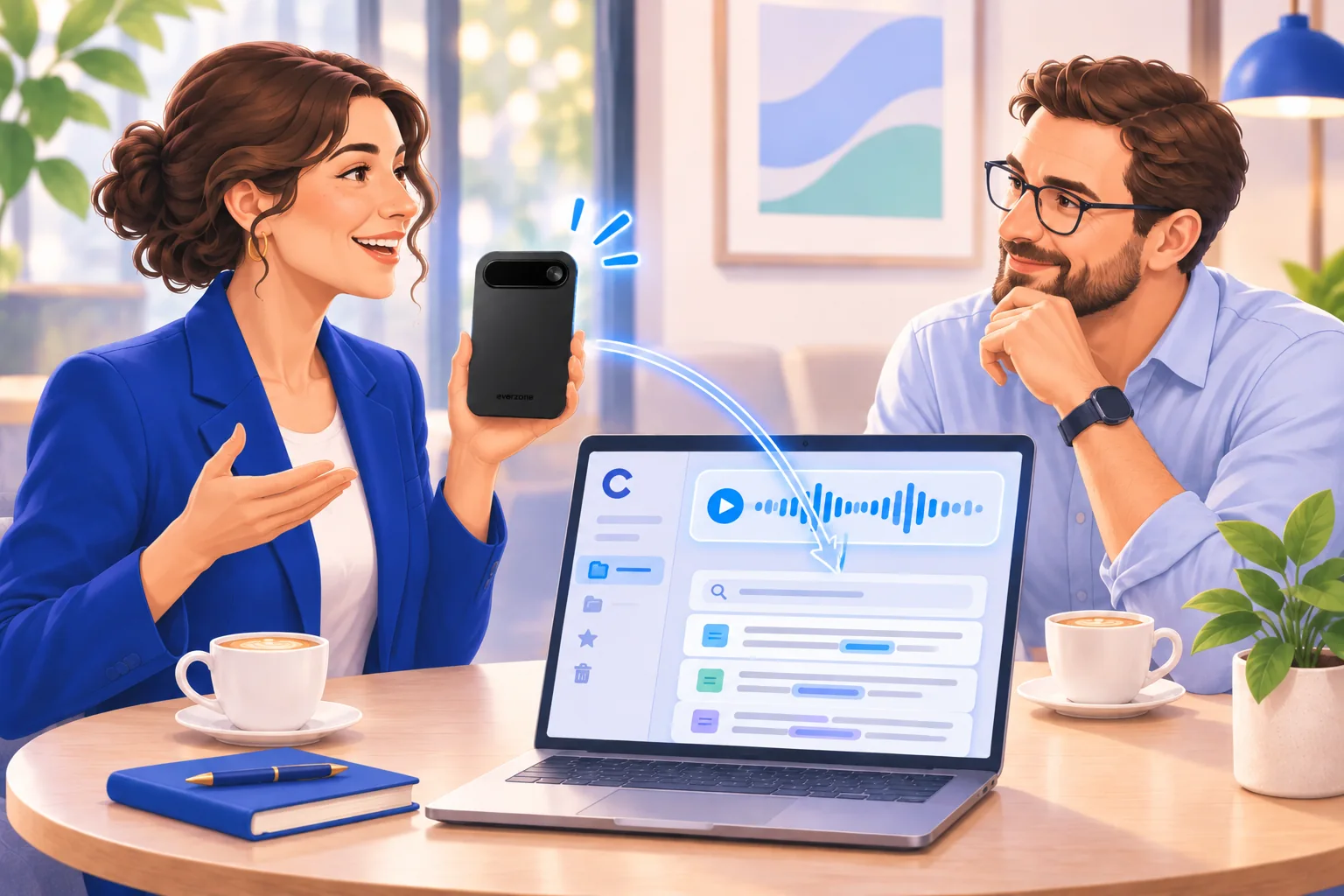
In-Person Recording
Capture conversations without missing a moment.
Bring an in-person meeting or client interview into ZoneVoice and turn it into searchable notes. The upcoming EverVoice recorder is designed to let you capture the conversation without using your phone.
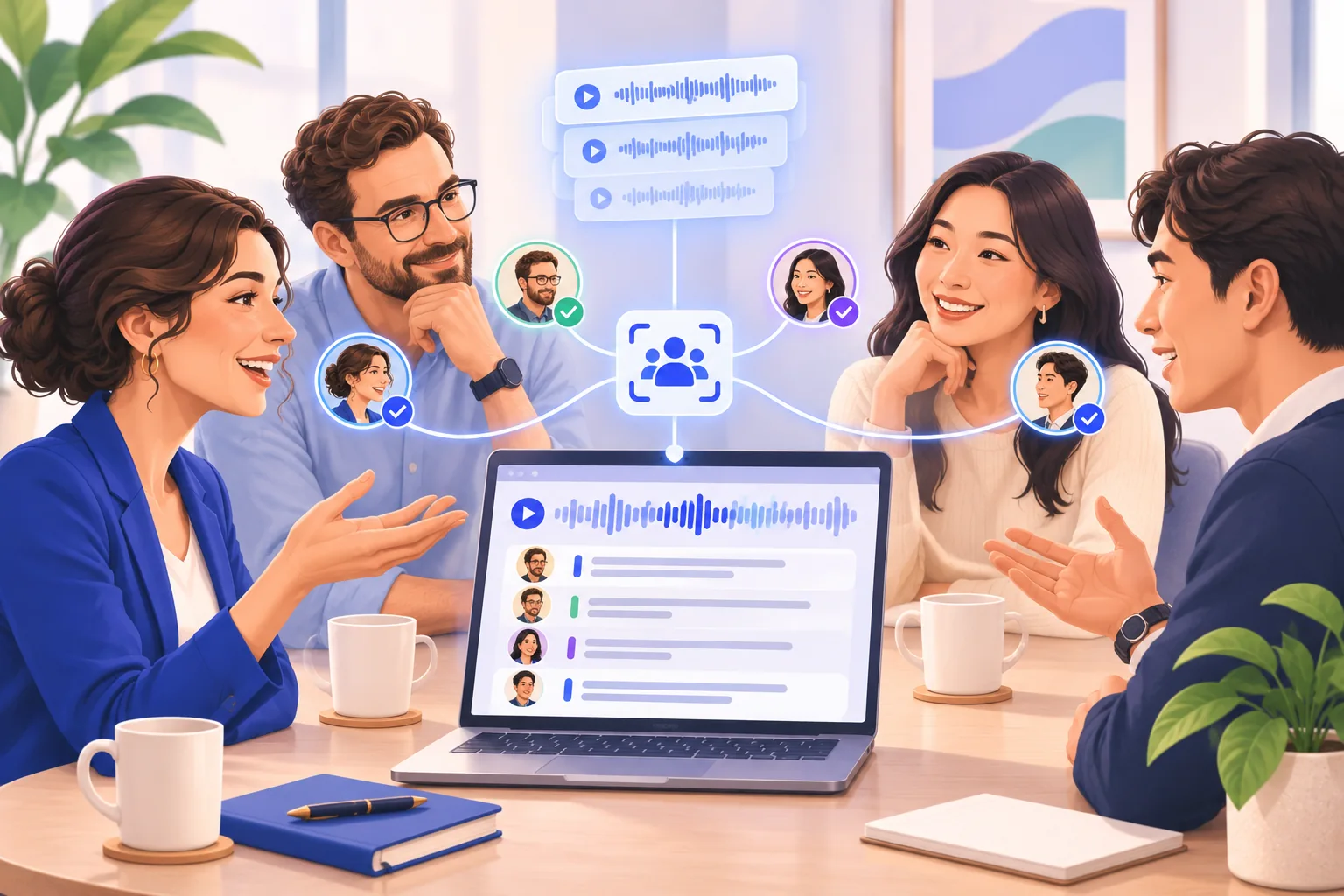
Sensitive Conversations
Keep important content on your device.
For conversations involving business secrets, client information, or internal decisions, transcribe, summarize, and analyze the recording locally without uploading it to the cloud.

Work on the Go
Keep going without Wi-Fi.
Review existing recordings while traveling or working with an unreliable connection. With the required models installed, you can transcribe and summarize offline.
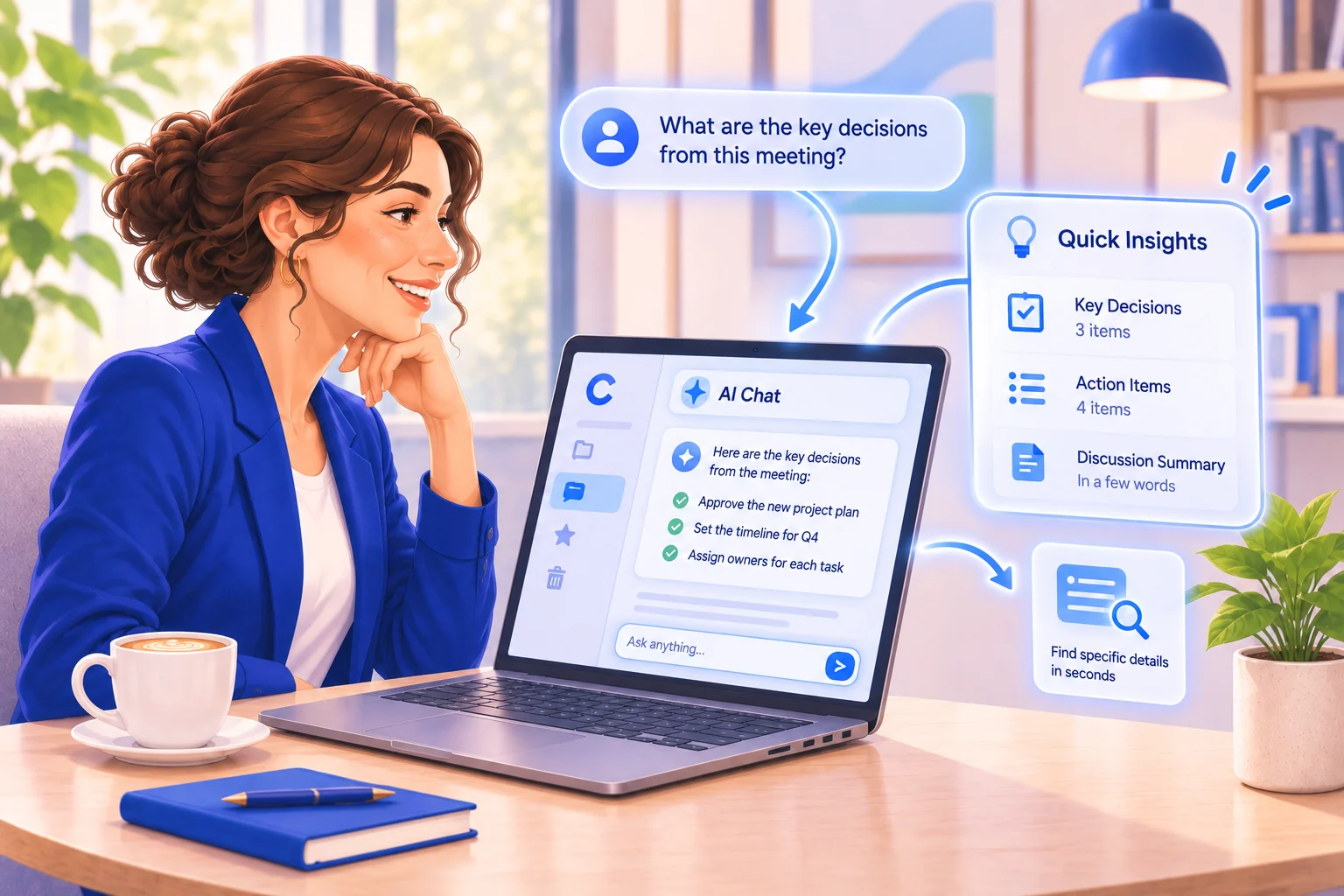
Growing Meeting Library
Make every conversation more valuable.
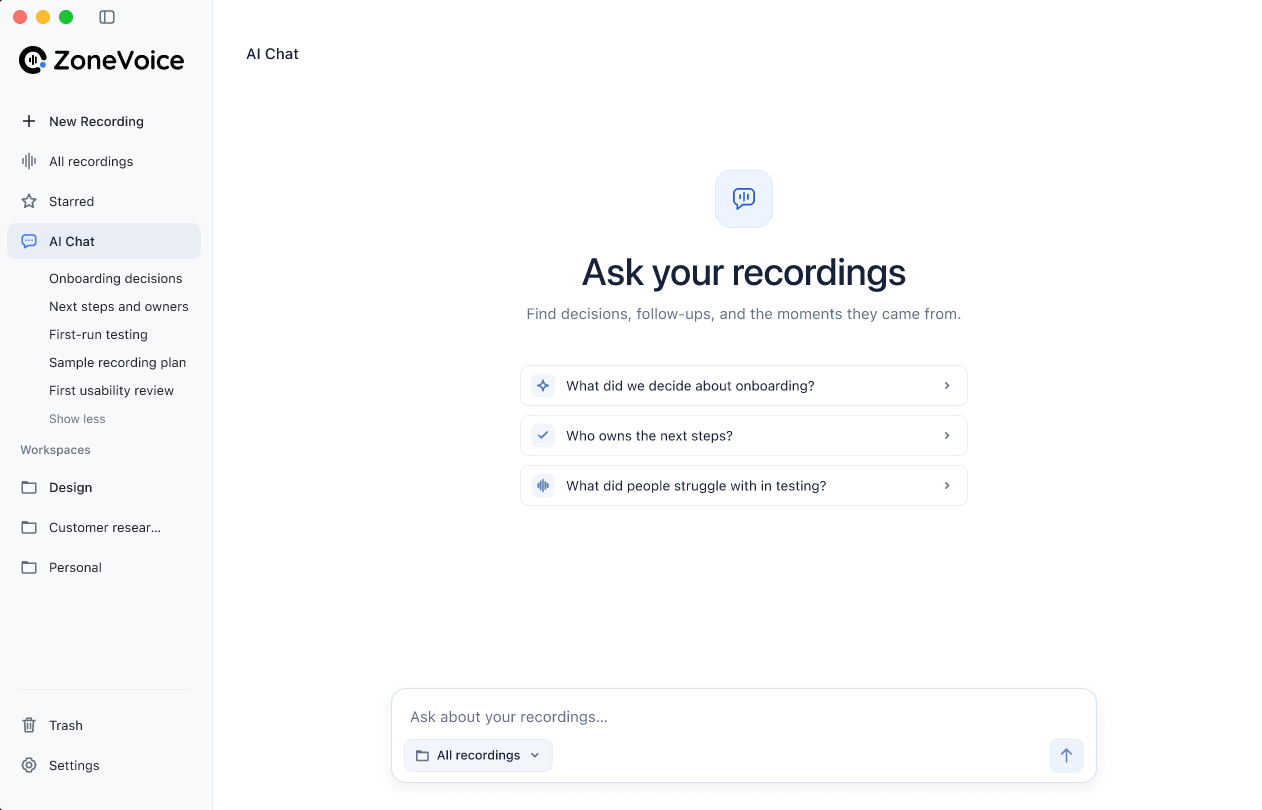
Use built-in AI Chat to find information across selected recordings, connect related discussions, and turn scattered conversations into useful knowledge.
Get Started with ZoneVoice in 3 Simple Steps
Get Access and Set Up
Request access to the Mac beta. Once invited, install ZoneVoice and download the required local AI models while you’re online.
Record or Import
Record a conversation in ZoneVoice or import existing audio and video files to organize your recordings.
Work Offline and Share Securely
Transcribe and summarize with local AI. Before sharing, make an export copy and redact any sensitive details.