Import audio or video for speaker-labeled transcripts, summaries, action items, and mind maps. Review facts across recordings, export your notes, or give an AI client read-only access through MCP.
01
Transcription
Transcripts with speaker labels.
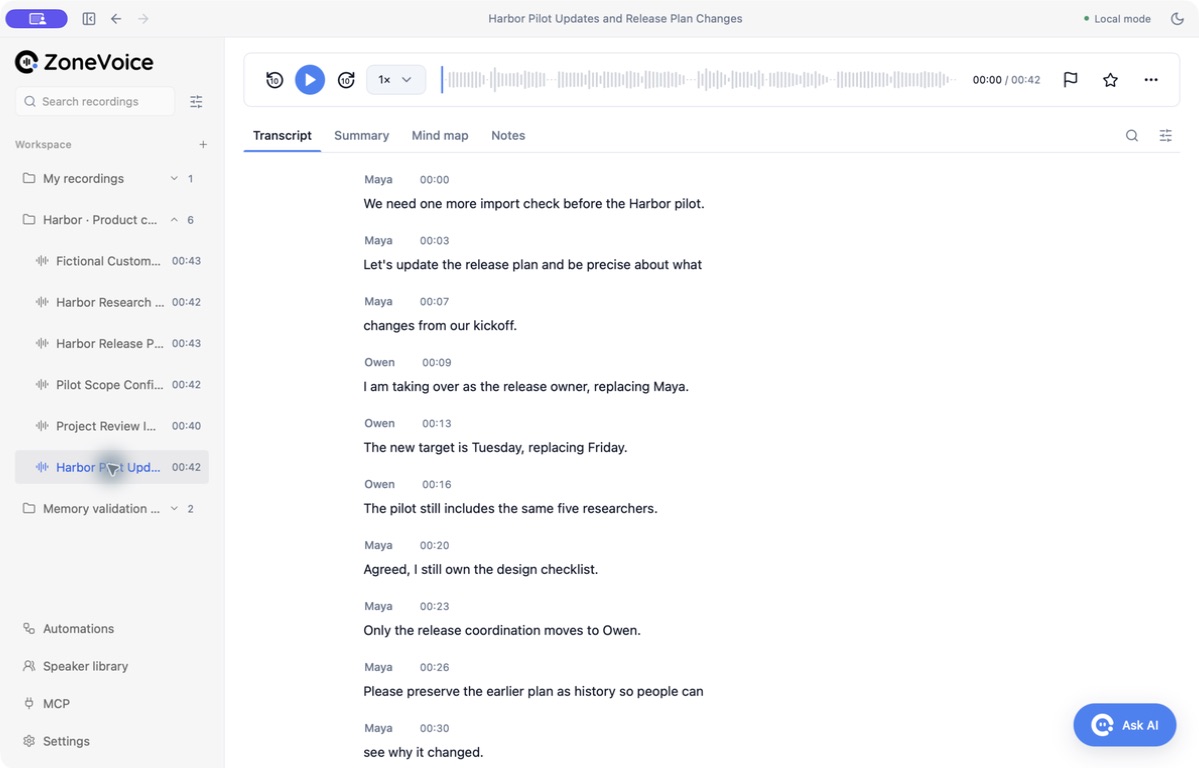
Import audio or video and transcribe it on your computer. Replay timestamped segments, review separated speakers, and correct suggested names from your local voiceprint library.
Local transcription with timestamps
Speaker separation and familiar-voice recognition
Manual names take priority over automatic matches
Sample data · Click a timestamp to replay the audio, or edit a speaker’s name.
02
Meeting notes
Summaries, tasks, and mind maps.
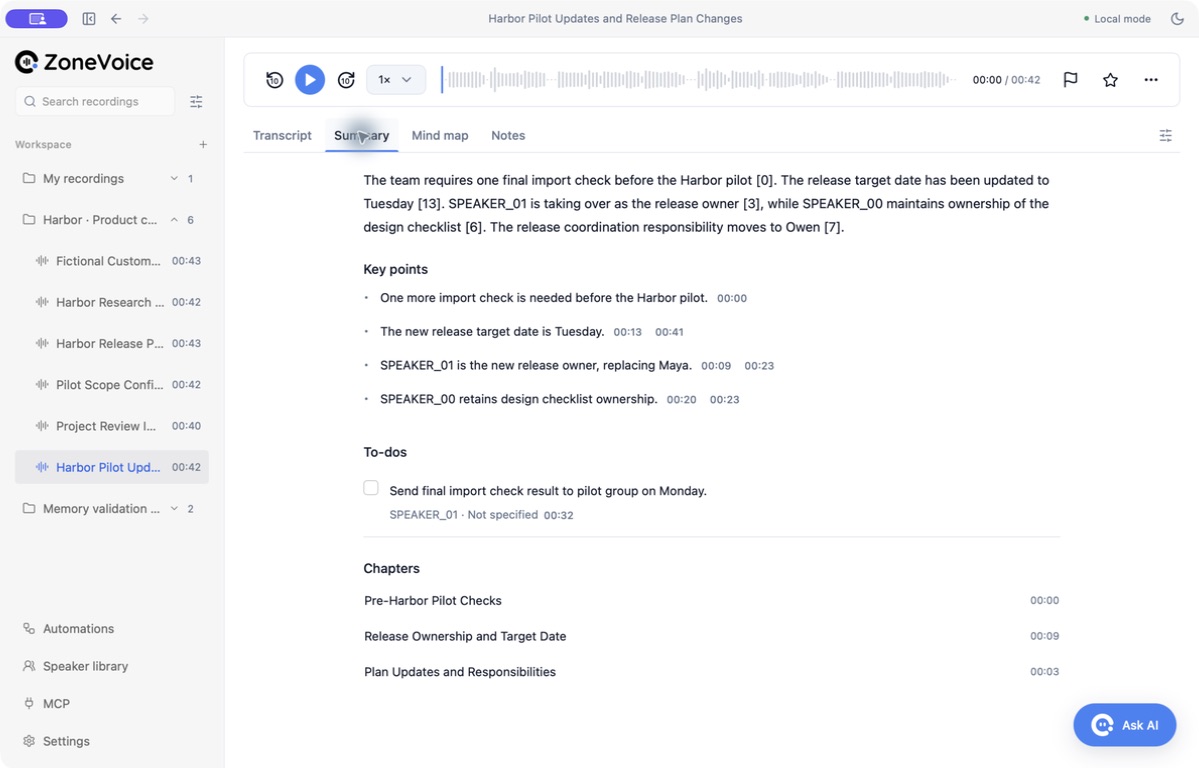
Generate a summary, key points, action items, chapters, and a mind map from the transcript. Check suggested tasks, owners, and deadlines against the original conversation before sharing them.
Summaries, key points, and chapters
Timestamp references for checking generated notes
Mind maps built from the same conversation
Review the summary, action items, and chapters, then follow a timestamp back to the transcript.
03
Knowledge · Preview
A knowledge base across recordings.
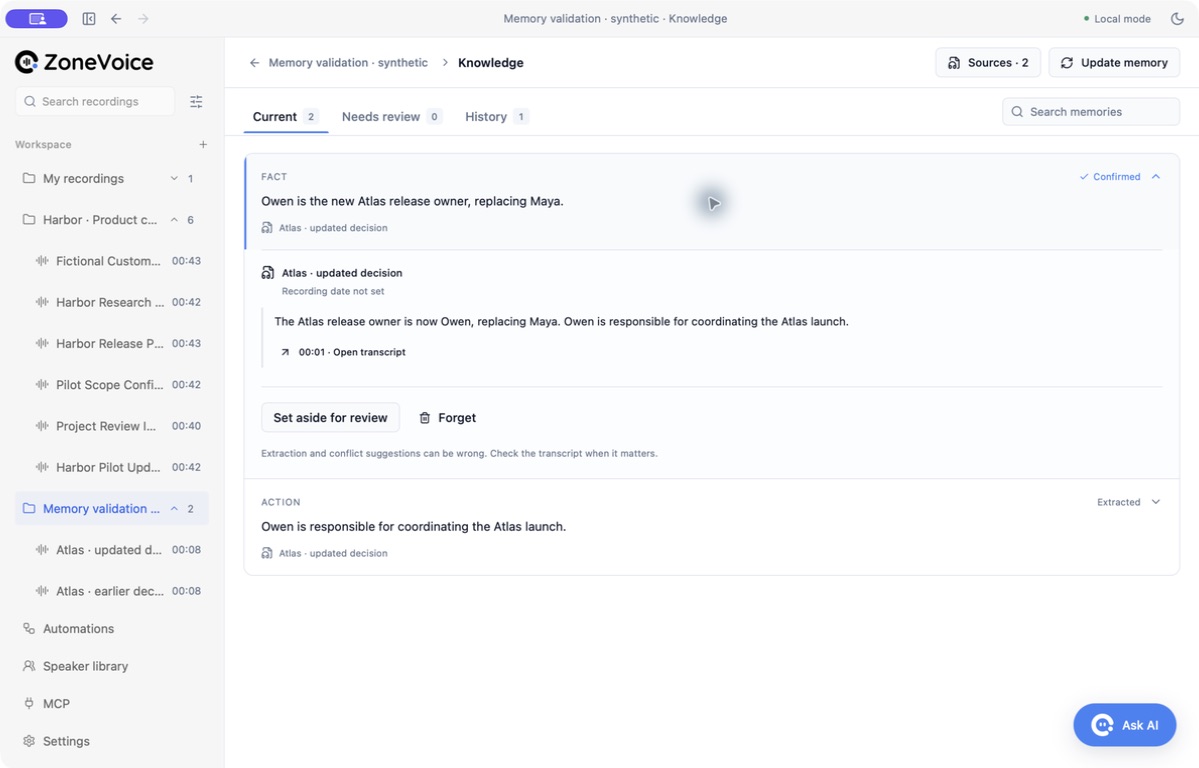
Select recordings in a desktop workspace to build a meeting knowledge base. Extract facts with transcript evidence, review proposed changes, and ask questions against current knowledge. Earlier decisions remain available in History.
Recordings and source-linked notes in your workspace
Desktop preview: review facts, changes, and cited answers
Up to 20 selected recordings and 60 facts per workspace
Owen is the current release owner. Maya’s earlier assignment remains in History.
04
Files & AI clients
File exports and MCP access.
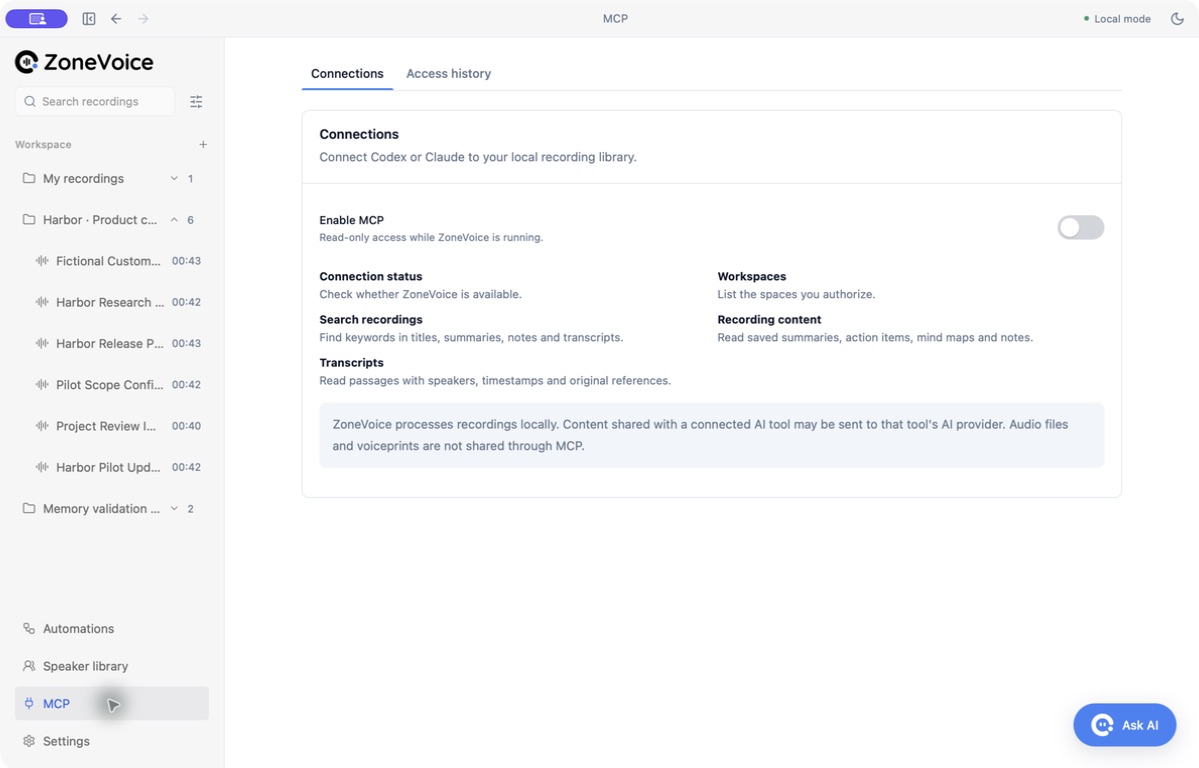
Save notes, transcripts, subtitles, and structured results as files. With MCP, an AI client can search saved text by keyword and read notes and transcript excerpts from approved workspaces.
Markdown, text, SRT, and JSON exports
Read-only agent access to approved workspaces
Local access history and per-connection revocation
Connect Codex or Claude and choose which workspaces they can read.
MCP permissions
Choose which workspaces your AI can access.
Approve workspaces for each connection, review its access history, and revoke it when needed. External AI clients may send authorized text to their own model providers.
The desktop MCP server reads saved notes and transcript text. Memory facts and history are available inside ZoneVoice, not through MCP. See the meeting knowledge guide to review facts and track changes in the app.
Local AI meeting notes depend on the whole workflow. Here is the boundary for the current desktop preview, from an imported file to optional agent access.
ZoneVoice desktop preview · Reviewed September 26, 2026
Stage
On your computer
Network or sharing boundary
Recording / import
An imported copy of your audio or video and a normalized audio file stay in the app’s local storage. The original file stays where you put it.
Import an existing audio or video file. Live system-audio recording is not available in this preview. Audio is not uploaded for processing.
Transcription
Whisper processes audio on your computer. Optional speaker separation also runs locally. Timestamped text is saved in the local database.
First-time model and runtime installation needs a download. Missing models do not trigger a cloud transcription fallback.
Summary & knowledge
The local Gemma runtime reads transcript text to create notes, tasks, and workspace memory. Saved results and source references stay locally.
No external AI provider is needed for these steps. Generated facts and citations still need your review.
Storage & export
Recordings, transcripts, notes, and memory remain in the app’s private data directory. Export creates a file at the location you choose.
Voiceprint vectors are encrypted; this is not a claim that the entire database or every recording is encrypted. A synced export folder may upload files through its own service.
Optional MCP
A client on the same computer can read saved text from the workspaces you authorize. Access history stays in ZoneVoice.
The client receives that text and may send it to a cloud model. Revocation stops future reads, but cannot recall earlier copies.
Download the models first. Audio, transcripts, and generated notes stay on your computer. See what changes when you export files or connect an AI client.